GitHub Copilot for Cybersecurity Specialists (Video)
- By Tim Warner
- Published Mar 17, 2026 by Microsoft Press.
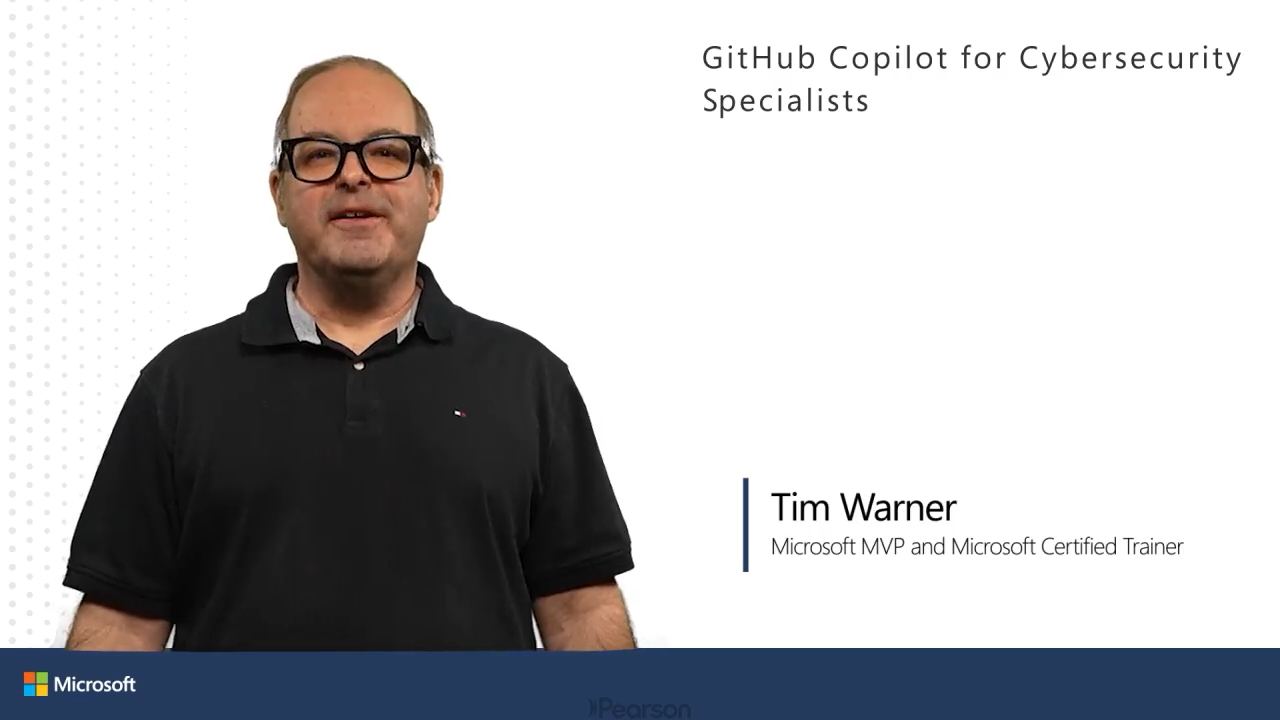
Online Video
- Your Price: $159.99
- List Price: $199.99
- About this video
Video accessible from your Account page after purchase.
Register your product to gain access to bonus material or receive a coupon.
Description
- Copyright 2026
- Edition: 1st
- Online Video
- ISBN-10: 0-13-549282-3
- ISBN-13: 978-0-13-549282-6
Detect vulnerabilities, implement security controls, automate testing, and ensure compliance.
GitHub Copilot transforms security engineering by providing AI assistance for critical security tasks. For cybersecurity professionals, Copilot suggests secure code patterns, generates security test scripts, helps identify vulnerabilities, and automates compliance checks. This course shows how to direct Copilot specifically for security work--aligning with Microsoft's emphasis on shifting left, secure-by-design principles, and defense-in-depth implementation.
This video course delivers practical demonstrations showing cybersecurity engineers how to use GitHub Copilot as a security force multiplier, reducing vulnerability detection time, and decreasing the number of undetected vulnerabilities in code by measurable margins. Each self-contained module addresses a critical security task: finding and fixing vulnerabilities, implementing strong security protocols, automating security testing, conducting code reviews, and ensuring compliance. The highly modular structure allows security professionals to immediately apply these techniques to their specific challenges.
Skill Level:
- Intermediate
Learn How To:
- Generate vulnerability detection scripts for OWASP Top 10 and Microsoft-specific threats using Copilot's contextual code suggestions, achieving a measurably faster scanning process compared to manual methods
- Implement robust security protocols including secure authentication, encryption, and access controls with AI assistance
- Create comprehensive security testing frameworks that automate SAST, DAST and fuzz testing with minimal effort, reducing the time spent on security testing cycles by measurable percentages
- Accelerate security code reviews using Copilot Chat to identify security flaws and suggest fixes
- Automate compliance verification for NIST, CIS, and Microsoft-specific frameworks using Copilot-generated templates, resulting in a quantitative decrease in compliance audit preparation time
Course requirement:
Pre-requisites:
- Familiarity with basic security concepts, programming experience, and understanding of security practices
Who Should Take This Course:
Job titles:
- Security Engineers
- Application Security Engineers
- DevSecOps Engineers
- Security Analysts with coding responsibilities
About Pearson Video Training:
Pearson publishes expert-led video tutorials covering a wide selection of technology topics designed to teach you the skills you need to succeed. These professional and personal technology videos feature world-leading author instructors published by your trusted technology brands: Addison-Wesley, Cisco Press, Pearson IT Certification, Sams, and Que. Topics include IT Certification, Network Security, Cisco Technology, Programming, Web Development, Mobile Development, and more. Learn more about Pearson Video training at http://www.informit.com/video.
Sample Content
Table of Contents
Course Introduction
Vulnerability Detection with GitHub Copilot
Set up Copilot for security tasks and secure coding best practices
Identify and mitigate SQL injection vulnerabilities in code
Detect and prevent XSS vulnerabilities with GitHub Copilot assistance
Create custom GitHub Copilot-assisted vulnerability scanners for proprietary code and business logic flaws
Implement Security Protocols
Build secure authentication and authorization systems
Implement encryption and secure key management
Create secure API gateway authentication and enforce least privilege access controls
Design zero-trust network access policies and enforce segmentation rules using infrastructure-as-code
Automated Security Testing
Generate AI-assisted security unit tests for critical functions
Create fuzz testing harnesses with Copilot for input validation
Automate DAST and SAST workflows for web and cloud applications
Build continuous security validation pipelines in CI/CD
Security Code Review, Threat Modeling, and Auditing
Use Copilot Chat to assist in secure code reviews and threat modeling
Automatically generate security review checklists and risk assessment reports
Create custom security linters and static analysis rules for detecting misconfigurations
Automate dependency vulnerability assessments and patching workflows
Compliance, Incident Response, and Configuration Management
Generate compliant infrastructure-as-code templates and security baselines
Automate CIS and NIST benchmark verification scripts
Build STIG compliance validation and auto-remediation tools
Automate security documentation, audit logs, and incident response playbooks with AI
Course Summary
More Information
Other Things You Might Like
Exam AI-300 Operationalizing Machine Learning and Generative AI Solutions (Video)
- Online Video $399.99
